Webhooks
Webhooks let you send real-time event notifications from DocJacket to external services — like Zapier, Slack, Microsoft Teams, or your own custom applications.
Setting up a webhook
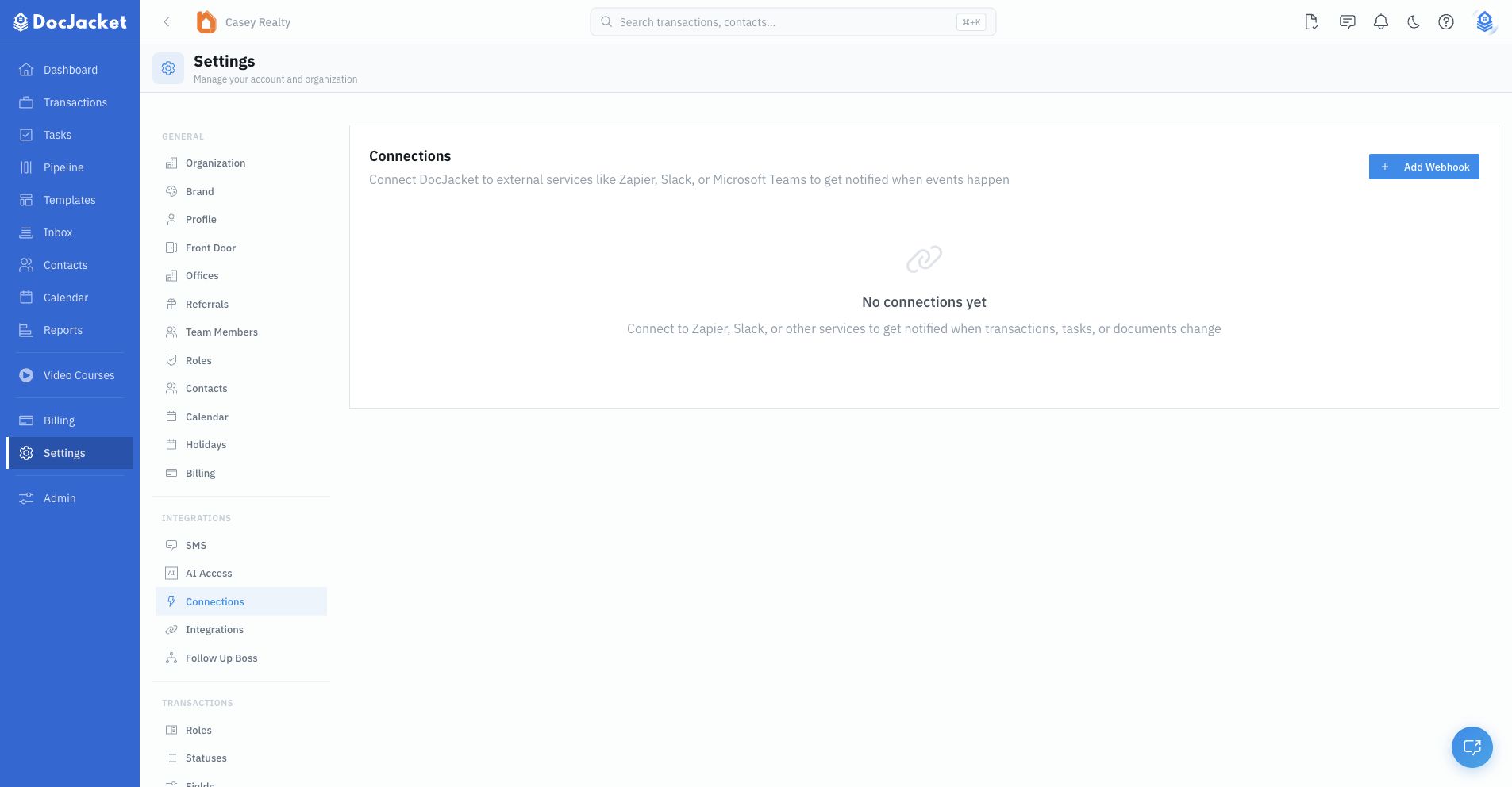
- Go to Settings > Connections
- Click Create Webhook
- Enter the URL where you want events sent
- Choose which event types to subscribe to:
- Document changes (uploaded, approved, rejected)
- Transaction changes (created, updated, status changed)
- Task changes (created, completed)
- Key date changes (completed, approaching)
- Save the webhook
DocJacket will send a POST request to your URL every time a subscribed event occurs.
Monitoring
The Connections page shows delivery stats for each webhook:
- Success rate — How many deliveries succeeded
- Recent deliveries — Status of the last several attempts
- Failures — If deliveries are failing, you'll see error details
DocJacket includes circuit breaker protection — if a webhook fails repeatedly, it's automatically paused to prevent flooding a down endpoint. You can re-enable it once the issue is resolved.
Common uses
- Slack notifications — Get a message in Slack when a document is uploaded or a task is completed
- Zapier automations — Connect DocJacket events to thousands of other apps through Zapier
- Custom dashboards — Feed transaction events into your own reporting tools