Contacts
DocJacket keeps a centralized contact database across all your transactions. Agents, clients, lenders, title companies, inspectors — everyone you work with lives here.
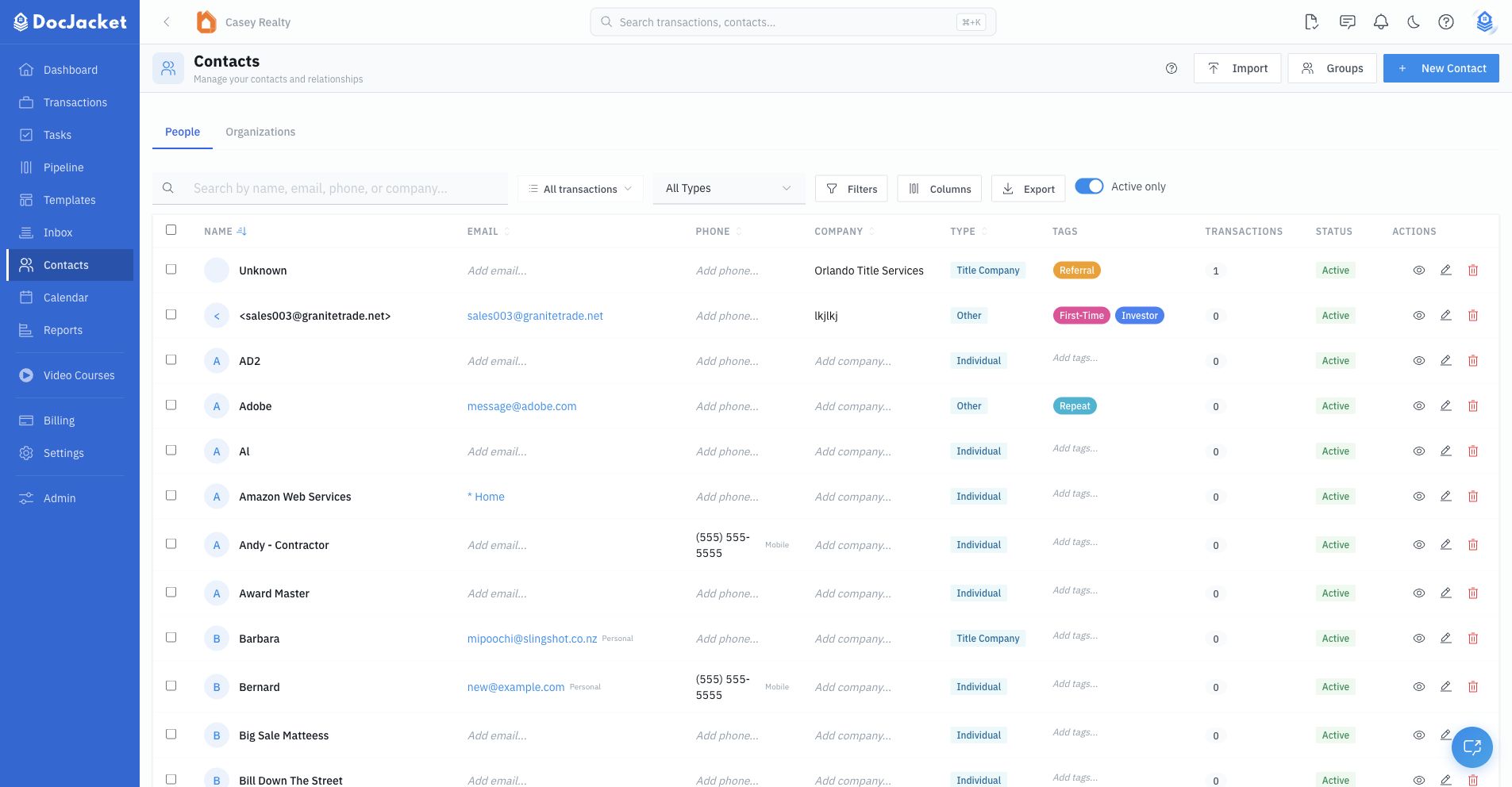
The Contacts page in the sidebar shows your full directory. The Contacts area has separate People and Organizations views, plus import and group tools. You can search, filter, inline-edit common fields, import from CSV or Google Contacts, export, merge duplicates, tag contacts, and organize contacts into groups.
Contacts also connect to transaction workflows. When you add a contact to a transaction, DocJacket stores that relationship with a transaction role, primary flag, merge display name, portal link status, and communication details.
What You Can Manage
- People and organization records
- Email addresses and phone numbers, including primary labels
- Contact types, such as agent, lender, attorney, client, or vendor
- Tags for filtering and segmentation
- Groups for reusable contact lists
- Related transactions and transaction roles
- Portal links for transaction contacts
- SMS consent and contact communication readiness
In this section
- Managing Contacts — Add, edit, search, import, export, merge, and tag contacts
- Contact Roles — Assign contacts to transaction roles and use those roles in communication
- Contact Groups — Organize contacts into reusable lists