DocJacket keeps communication attached to the transaction where the work is happening. Open a transaction's Email tab to review the transaction inbox, communication timeline, scheduled email, and internal notes for that deal.
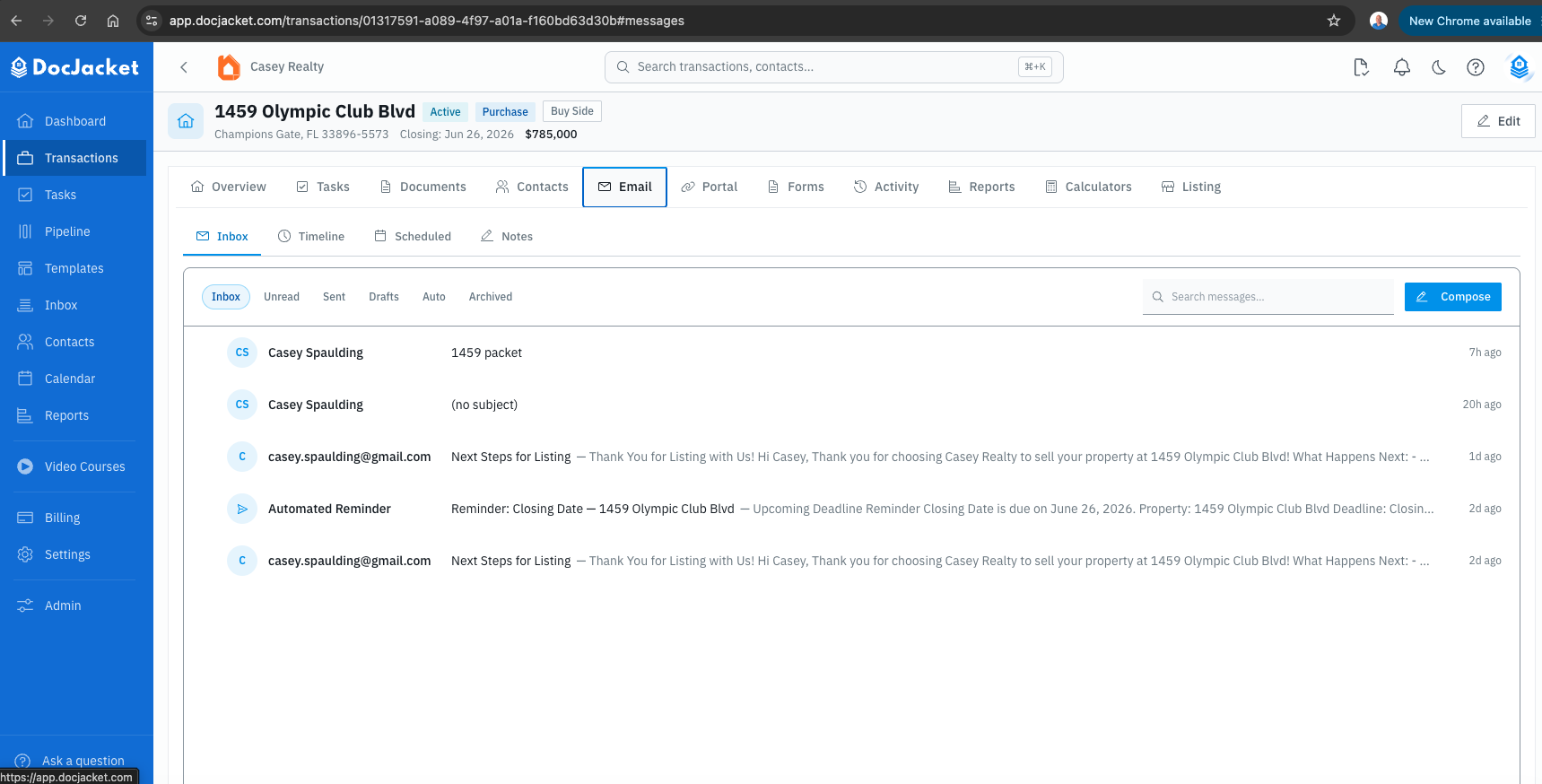
The transaction Email workspace includes:
- Inbox - Send, reply, forward, search, archive, draft, and review transaction email
- Timeline - See a chronological communication history and copy or create the deal email address
- Scheduled - Manage queued emails from task automation, key-date automation, and compose-time send later
- Notes - Keep rich internal notes, replies, and pinned updates on the deal
The day-to-day email workflow starts from the transaction's Email tab.
Inbox vs. the Email tab
The Inbox item in the left sidebar takes you to inbound work waiting to be routed — not a global transaction email inbox. A deal's own email history lives inside that transaction's Email tab.
In this section
- Transaction Email - Use the Inbox, Timeline, Scheduled, and Notes views on a transaction
- Sending Emails - Compose, send, schedule, draft, and attach files from a transaction
- Getting Email Into DocJacket - The three ways email arrives, and how to make it file itself on the right deal
- Email Templates - Create reusable email content