Build a Playbook template matrix
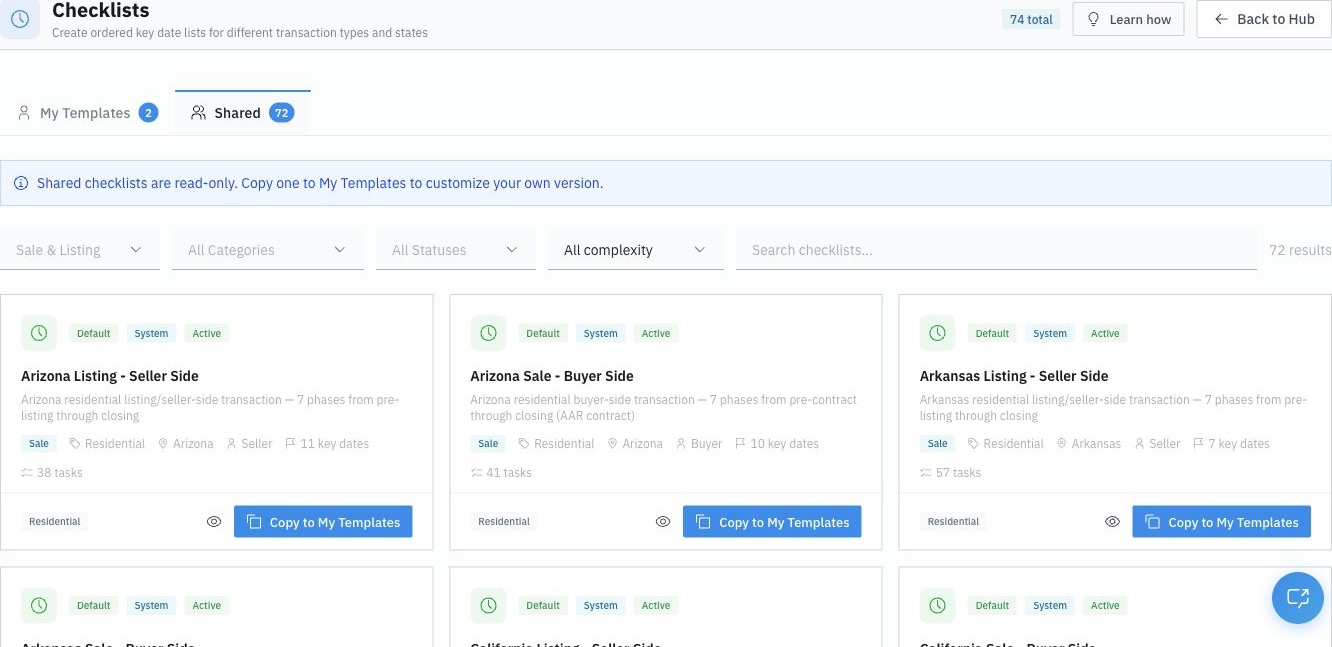
The difference between a TC who feels buried and one who runs 25+ deals calmly isn't effort — it's encoding. The expert moves their repeatable process into DocJacket once, so every new file starts fully structured. The foundation of that is your Playbook templates.
Don't have a Playbook. Have a matrix of them — one for each kind of deal you actually handle.
Why one Playbook isn't enough
A single generic Playbook forces a choice on every file: either it's missing steps for some deal types, or it's cluttered with steps that don't apply. A matrix solves that — the right file gets the right list, with nothing irrelevant and nothing missing.
Our most productive coordinators organize their templates along four axes:
| Axis | Examples |
|---|---|
| Side | Buyer, Seller, Listing |
| Deal type | Traditional purchase, Wholesale, Novation, Joint Venture |
| Client / team | A high-volume agent team or investor client who works a specific way |
| Language | English, Spanish (for client-facing communication) |
So instead of one list, a new file gets, say, "Buyer Side — Wholesale — [Investor Client]" — exactly the steps that file needs.
How to decide what deserves its own template
You don't need a template for everything. Create a new one when a deal type or client genuinely works differently:
- Side almost always deserves its own template — buyer-side and seller-side tasks differ a lot.
- Deal type deserves one when the parties or steps differ — a wholesale or novation file has different paperwork than a traditional purchase.
- Client/team deserves one when a specific high-volume relationship has consistent preferences (who to CC, their pace, their documents).
- Language deserves a parallel set if you serve clients in more than one language.
The structure here is universal. The state-specific parts — how many days an inspection period runs, which documents are required — you'll plug into the tasks themselves (see The 6-phase deal backbone). The matrix idea works the same in Florida, California, or Texas.
Start with four, not forty
You don't build the whole matrix on day one. Start with the four that cover most of your business:
- Buyer Side
- Seller Side
- Listing
- Your busiest client or team
Then clone-and-tweak. Every time you notice you're hand-adjusting the same Playbook the same way for a certain kind of deal, that's your signal to save it as its own template.
How to create a template
- Go to Templates > Timeline Templates.
- Click New Template — or Duplicate an existing one to clone-and-tweak.
- Name it clearly along your axes — e.g.
Buyer Side — TraditionalorSeller Side — Spanish. - Build out the phases and tasks (covered in the next article).